Instruction
How to use the learning platform
General instruction on how to use the platform
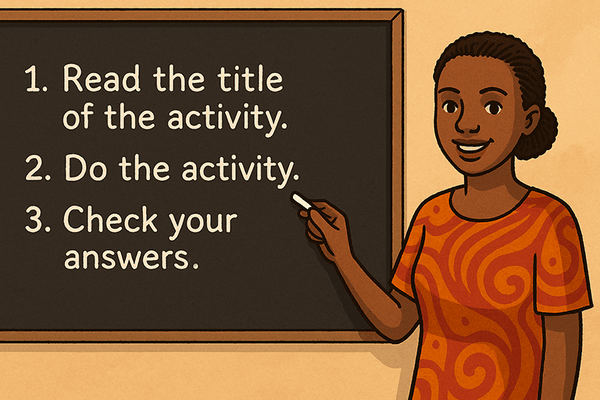
1. Read the title of the activity
1a. Start by Reading the Title
Every activity on the platform begins with a title at the top. The title tells you what to do in the activity.
1b. Why it is important:
- The title gives you a clear instruction for the task.
- It helps you understand the goal before you start.
- Sometimes, the same types of activities repeat – like "Match the pairs" or "Fill in the blanks".
- But even when the activity type is the same, there might be small changes in the instructions.
So always:
- Read the title carefully before you start.
- Check if there are any new instructions or small differences.
- Make sure you understand what to do – the title will guide you.
1c. Example Titles:
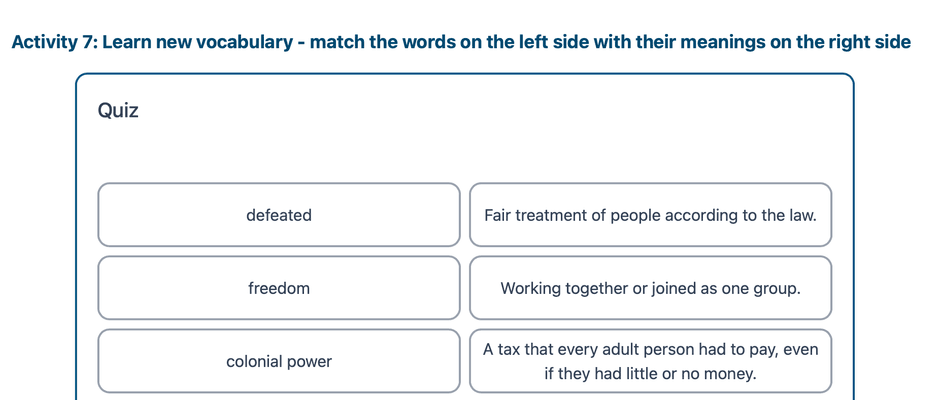
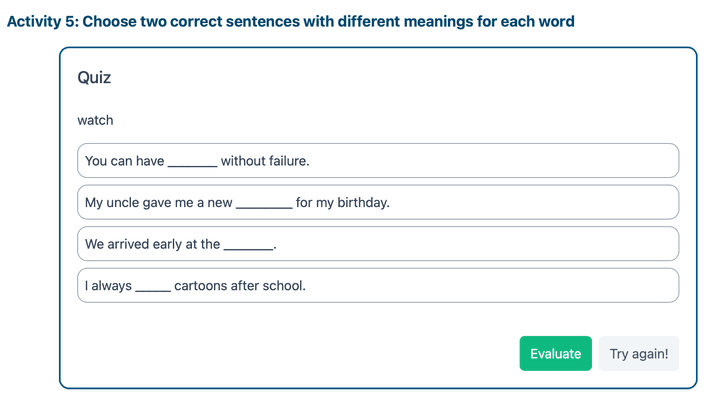
The following activity looks the same but it is slightly different:
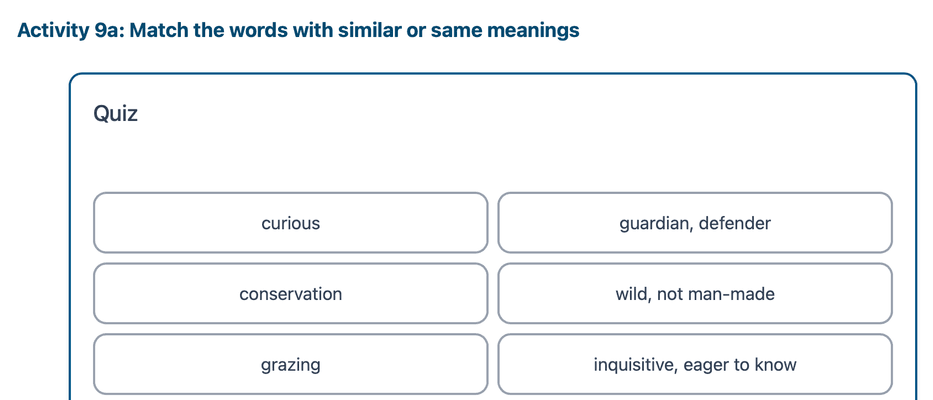
Each title shows exactly what to do — but only if you read it carefully!
2. Do the activity
2a. Categories of activities
You will find the following categories of activities:
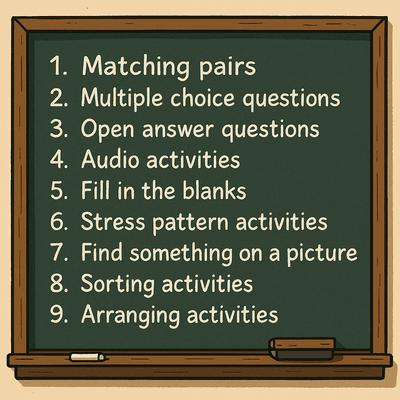
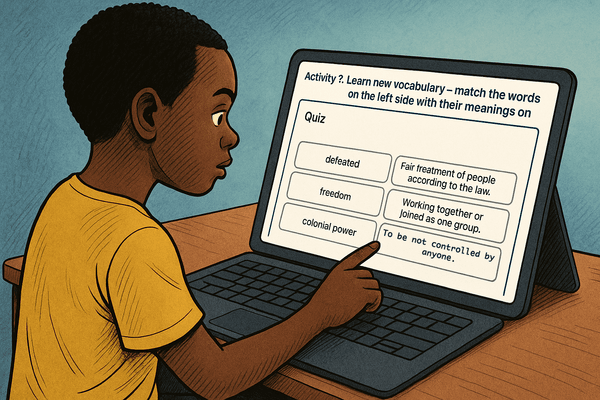
2b. Matching Pairs Activities
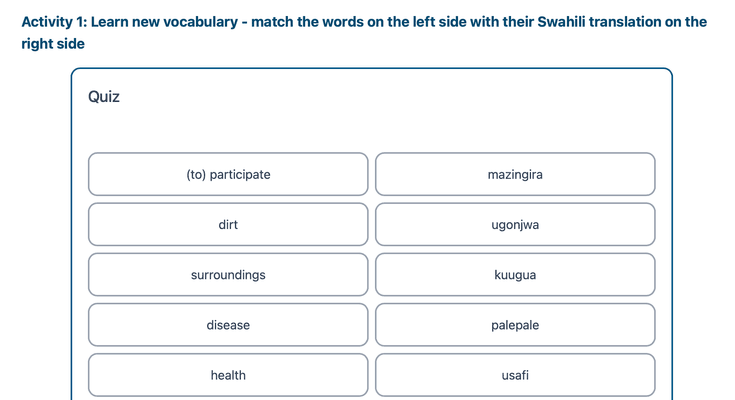
In this activity, you will see two columns on your screen:
- On the left side, there are words or sentence parts.
- On the right side, there are meanings, translations, or matching sentence parts.
Your job: Find the correct match for each item on the left!
What can you match?
English word → Swahili translation
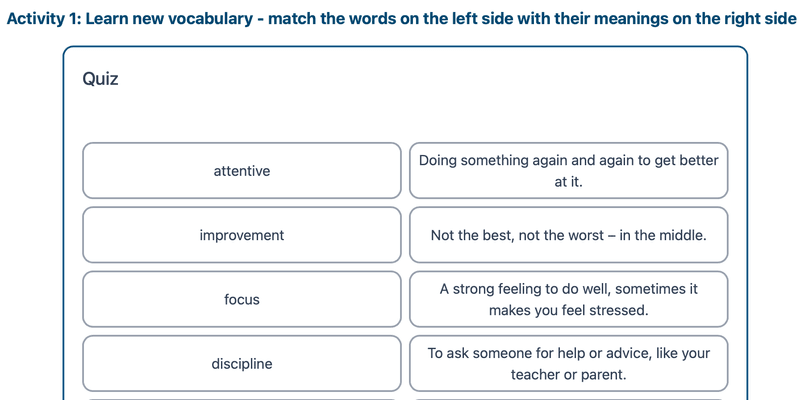
English word → Explanation in English
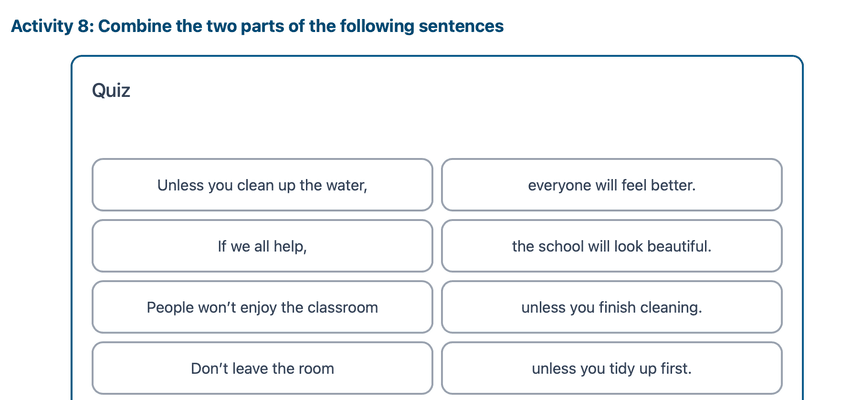
Part of a sentence → Second part
✅ How to do it:
- Read the first word or sentence on the left side.
- Look carefully at the choices on the right.
- Click or tap the one that matches best.
- Repeat until all items are matched!
Tip: Take your time and think before matching. Read everything first if you want to be sure!
2c. Multiple Choice Questions
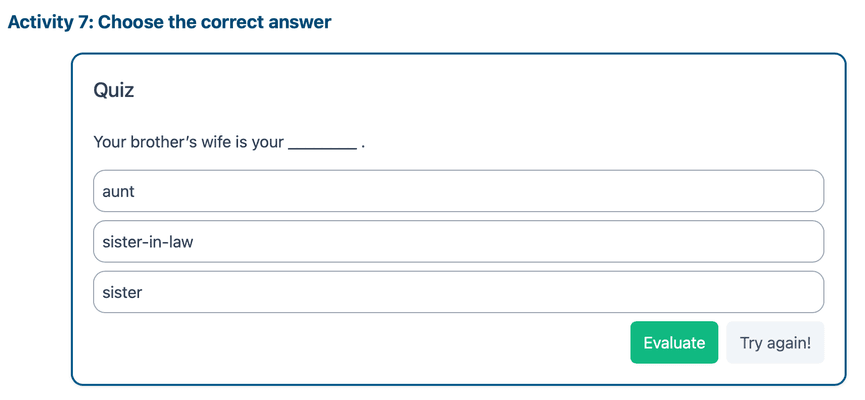
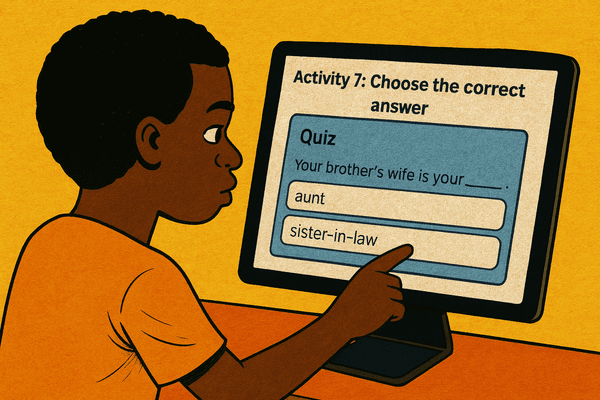
In a Multiple Choice question, you will see a question and several possible answers. Your task is to choose the correct one — or sometimes, more than one.
How many correct answers?
- Most questions have only one correct answer. If the title does not say otherwise, there is only one correct answer. ➡️ Just select one option and continue.
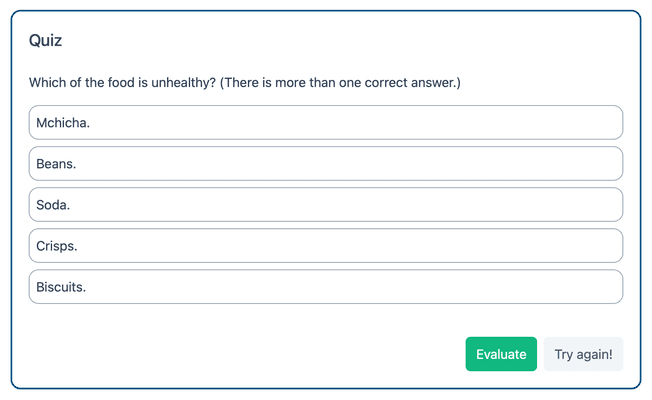
- Sometimes, a question can have more than one correct answer. ➡️ Don’t worry — we’ll tell you in the question if this is the case! Look at the following examples:
Tips:
- Read the question carefully. Don’t rush!
- Click or tap your answer(s).
- If you’re unsure, read each option slowly and try to remember what you learned.
Open answer questions
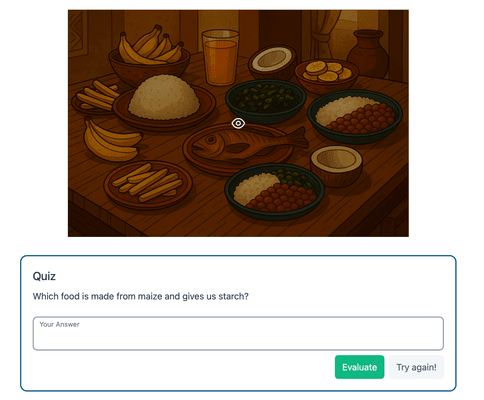
In this activity, you will read a question and write your own answer. The question might be about:
- a story
- a poem
- a picture
- or something else you have learned
What kind of answer is expected?
- One word (e.g. a noun or verb) → Write the correct word only → Don’t use capital letters or punctuation unless needed → Spelling matters!
- A full sentence → Start with a capital letter → End with a full stop (.) → Check your spelling and grammar
Sentence Rewriting
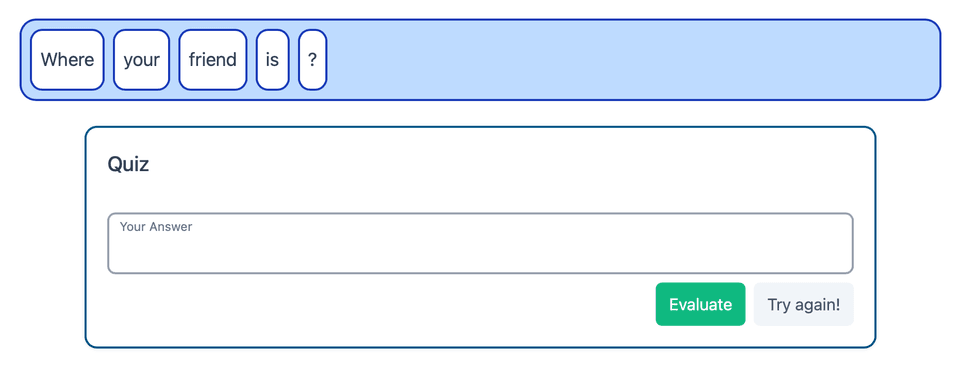
Sometimes, you will see jumbled words or phrases. Your task: Rewrite the sentence correctly.
- Put the words in the right order
- Start with a capital letter
- End with a full stop
Example: is / learning / . / Amani / English ✅ Amani is learning English.
Tips:
- Read carefully before answering
- Check your spelling and punctuation
- Take your time!
Audio Activity
In this activity, you will listen to an audio and then:
- Write down what you hear
- Answer questions about the audio
- Fill in missing words in a story or sentence
What will you hear?
The audio can include:
- Single words
- Full sentences
- Stories or conversations
- Text with blanks where you fill in the missing words
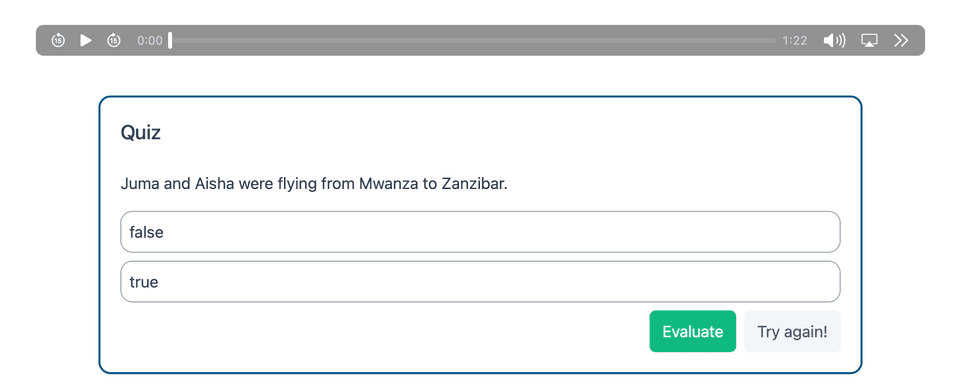
You can listen again!
- You can play the audio as many times as you want
- You can make the audio slower to understand better
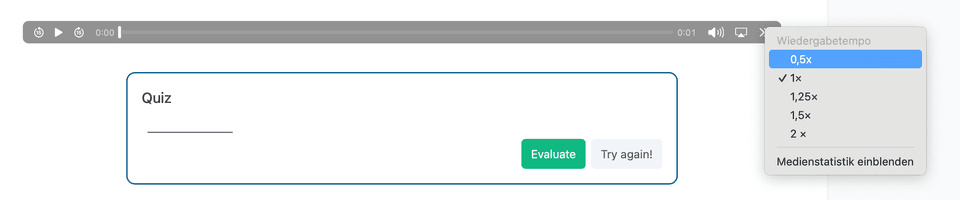
Writing Your Answer
- If the answer is one word, just write the word (→ Be careful with spelling!)
- If the answer is a sentence, use: → A capital letter at the beginning → A full stop at the end → Correct spelling and punctuation
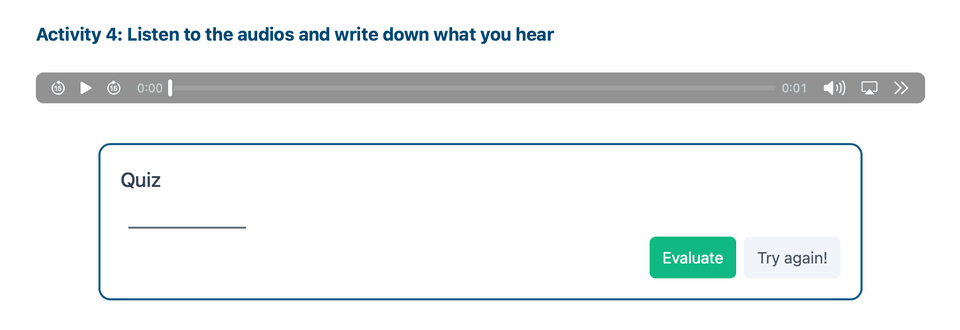
Tips:
- Listen carefully
- Replay the audio if you are not sure
- Check your spelling before submitting
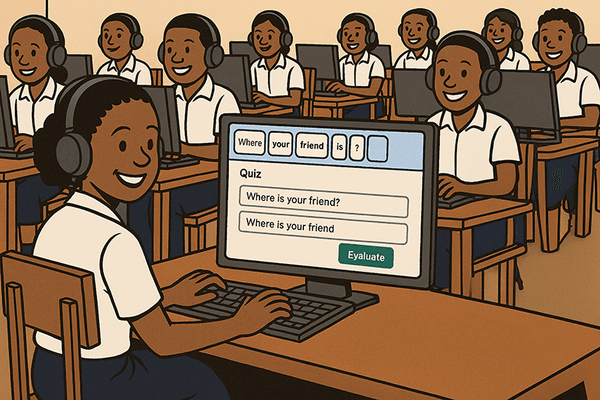
Fill in the blank
In this activity, you will complete sentences or stories by filling in the missing words.
What does it look like?
- You will see sentences or a short story with blanks
- A word box gives you all the missing words you need
- Your job is to choose the correct word for each blank
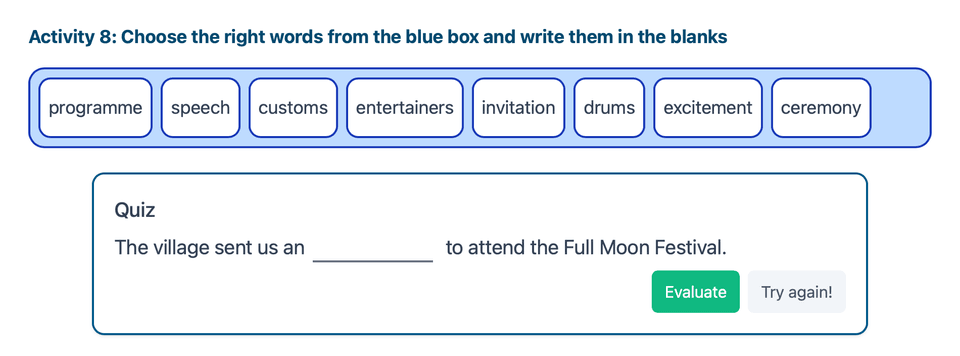
How to write the answers
- All words in the box start with a small letter
- If the blank is at the beginning of a sentence, you must use a capital letter for that word
- You don’t need to add punctuation — a full stop or question mark is already there
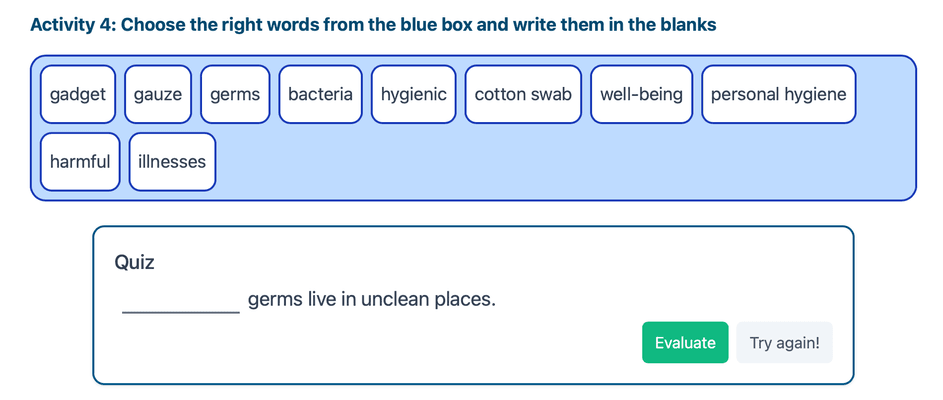
Some blanks have hints!
Sometimes, after the blank you will see a word in brackets:
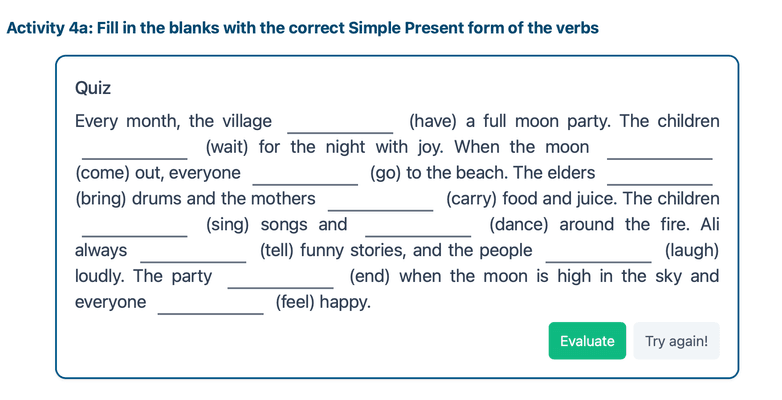
This helps you practice grammar, like tenses or verbs.
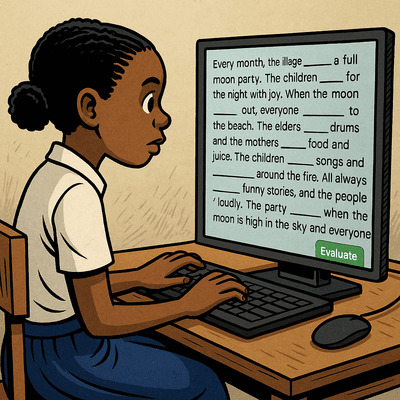
Tips:
- Read the full sentence before you choose a word
- Make sure the sentence makes sense
- Look out for verbs in brackets — change them into the right form
- Don’t forget: capital letters at the start of a sentence!
Stress pattern
What is a stress pattern?
In English, some parts of a word are spoken louder or longer than others — this is called word stress.
- Every word has syllables (the small sound parts of a word)
- One syllable is usually stressed – we say it more strongly
- The other syllables are not stressed – we say them more softly
➡️ Example: The word banana has three syllables: ba-NA-na
The middle syllable is stressed: NA
What is the task?
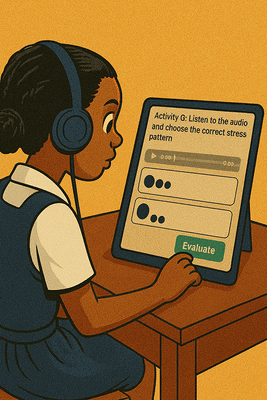
- Listen to the word in the audio You can listen as many times as you need
- Then choose the correct stress pattern
- You will see two answer options
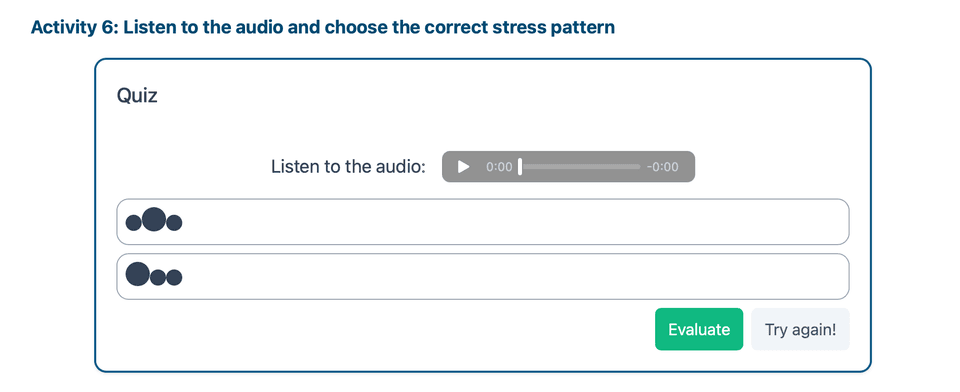
Understanding the answer choices
Each option shows balls:
- Small balls = soft syllables (not stressed)
- One big ball = the syllable that is stressed (louder)
⚫●● → First syllable is stressed ●⚫● → Second syllable is stressed ●●⚫ → Third syllable is stressed
Choose the option that matches what you hear.

Tips for success
- Listen carefully to the word
- Say the word out loud or whisper it to feel the stressed syllable
- Look at the number of syllables and the position of the big ball
- Repeat the audio until you’re sure!
Find something on a picture
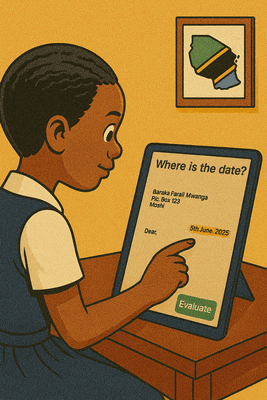
In this activity, you will see a picture and read a question about it.
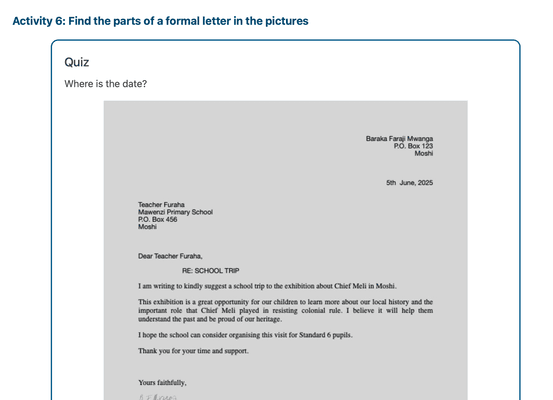
What do you have to do?
- Look at the picture carefully
- Read the question – It asks you where something is in the picture
- Click or tap on the correct place in the picture where you see the answer
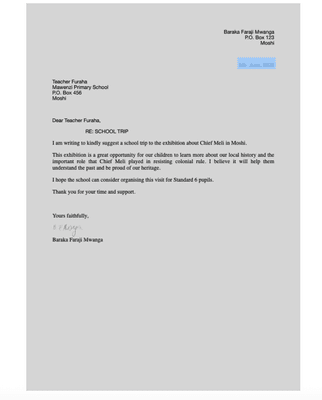
Tips for success
- Take your time to look at all parts of the picture
- Read the question again to be sure what to look for
- Click exactly on the object or area that answers the question
Reminder
There is only one correct answer – so look carefully before you tap!
You can try again if you click the wrong spot.
Sorting activity
In this activity, you will see different categories and a list of words. Each word belongs to one of the categories.
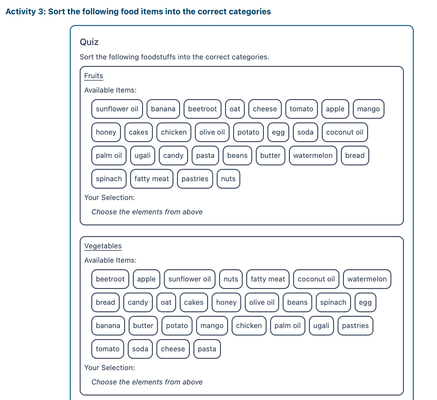
What you need to do:
- Read the names of the categories carefully.
- Look at each word in the list.
- Think about which category the word belongs to.
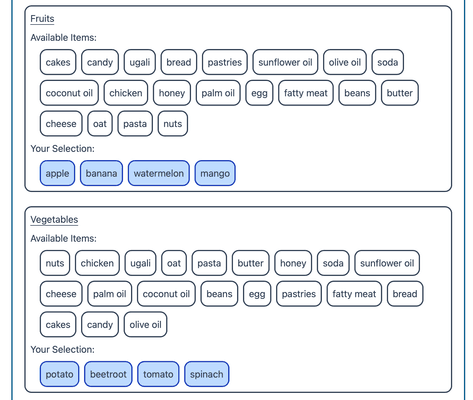
- Click the word into the correct category.
Example: You may have categories like:
- Animals
- Fruits
And the words:
- dog, apple, cat, banana
You would sort:
- dog and cat into “Animals”
- apple and banana into “Fruits”
Tips:
- Read each word slowly and think where it fits.
- If you're not sure, try saying the word aloud or asking a friend.
- Some categories may be tricky, so take your time!
Arranging activity
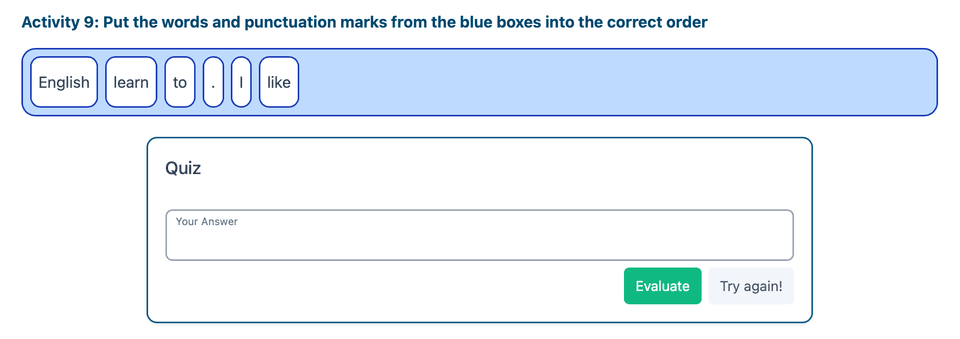
In this activity, you will arrange words and punctuation marks to build a correct sentence.
What you see:
- A box with words and punctuation marks in a mixed-up order.
- A blank space where you will write the sentence in the correct order.
What you need to do:
- Look at all the words and punctuation in the box.
- Think about what the correct sentence is.
- Put the words and punctuation in the right order.
- Write the sentence in the blank space.
Important Tips:
- The first word of the sentence must start with a capital letter – remember to change it!
- The sentence must end with a punctuation mark like a full stop (.), question mark (?) or exclamation mark (!)
- Make sure there are spaces between words.
- Check the spelling before you submit your answer.
→ Check the spelling before you submit your answer.
3. Check you answer
1) Do the task. Type or choose your answer.
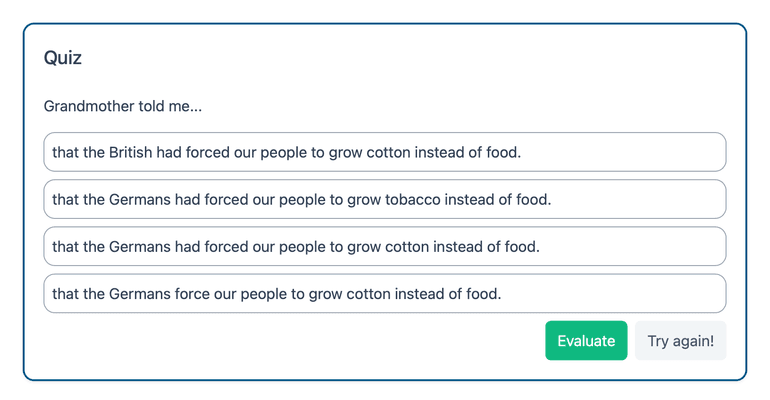
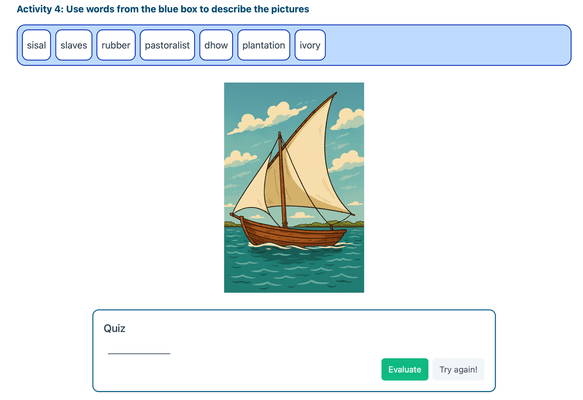
2) Click / tap the green "Evaluate" button. The system checks your answer immediately and shows a colour.
What the colors mean
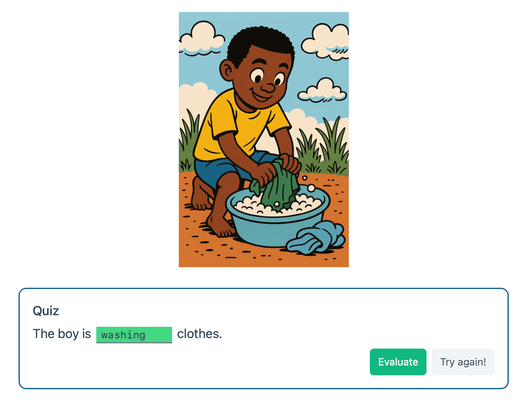
- 🟩 Green = Correct Great! Everything is right. Go to the next question.
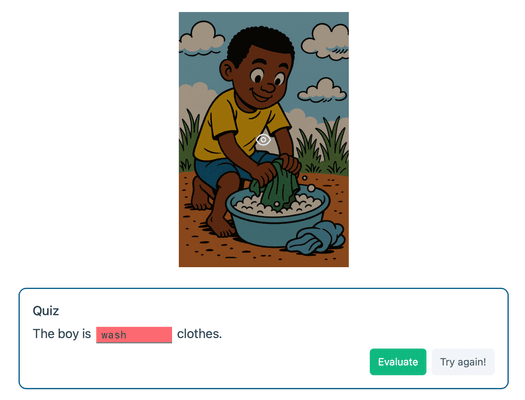
- 🟥 Red = Incorrect
Something is wrong. Click / tap the "Try again" button to reset and fix your answer.
The mistake can be anything, for example:
- Spelling: mango → mengo
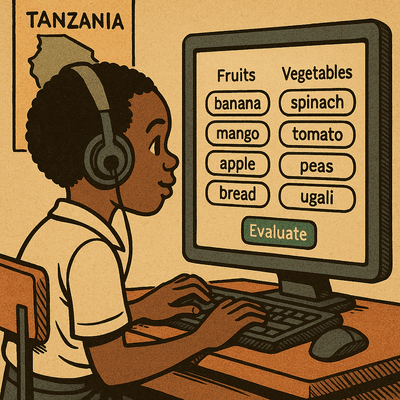
- Wrong word / content: choosing bread instead of banana for “Fruits”
- Grammar: He go to school instead of He goes to school
- Punctuation: missing ? or .
- Capitalization: using small letters where capitals are needed (start of a sentence, names, “I”, etc.)
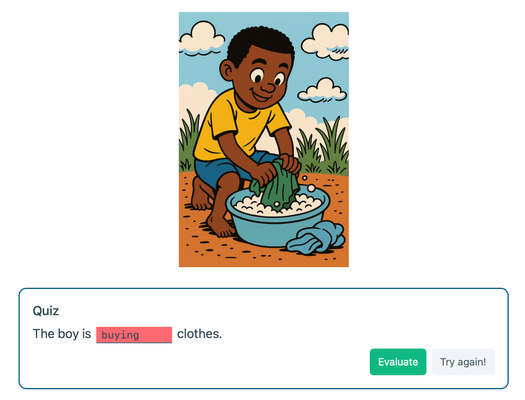
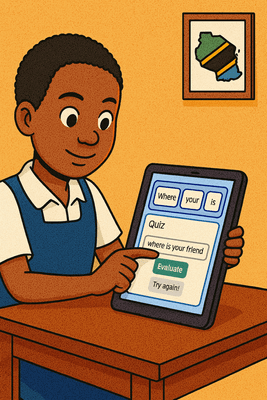
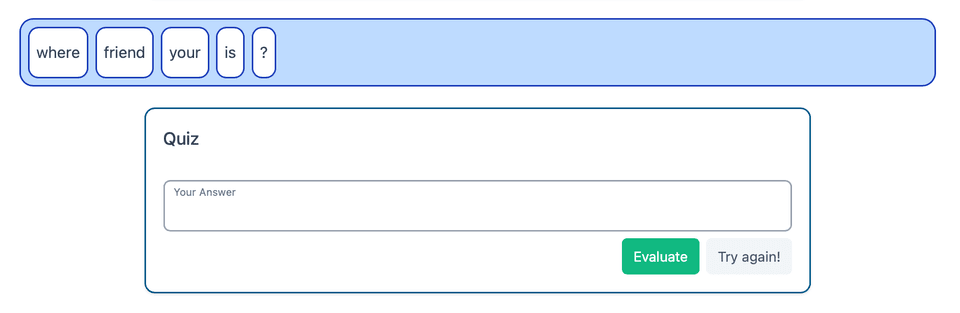
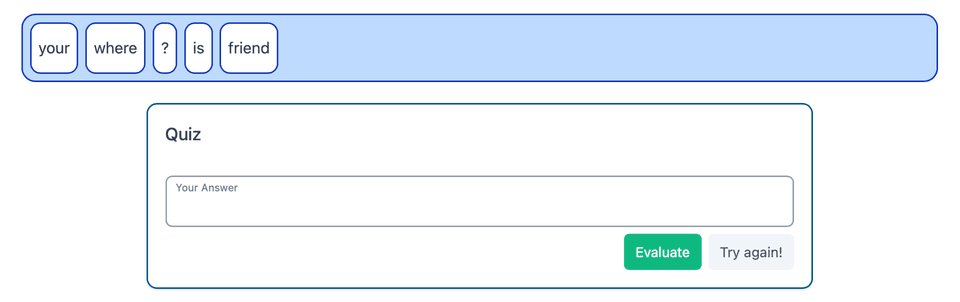
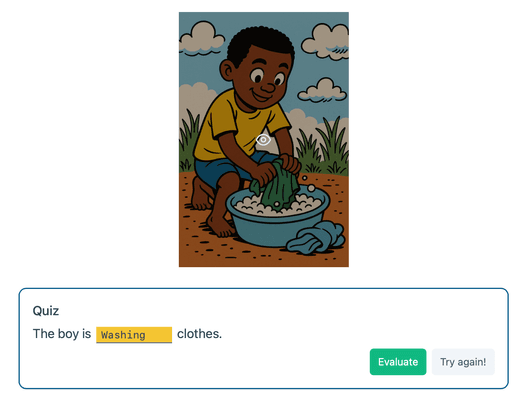
- 🟨 Yellow = Partially correct Your word or sentence is correct, but the first letter is not capitalized or the word in the middle of a sentence is capitalized. Example: where is your friend? → should be Where is your friend?
What to do next
- See the color.
- If it’s green, continue to the next question.
- If it’s red or yellow, press "Try again", fix the mistake, and press "Evaluate" once more.
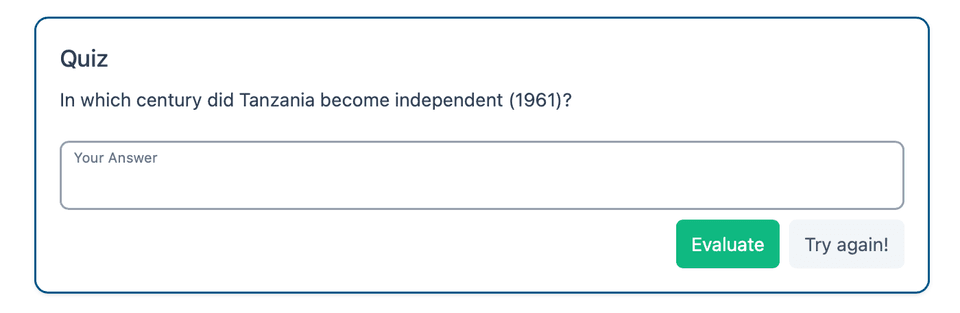
Quick checklist before you Evaluate
- Is the spelling correct?
- Is the word/answer the right one?
- Is the grammar correct (verb endings, word order)?
- Do you have the right punctuation (., !, ?)?
- Did you start with a capital letter when needed?
You’ve got this—check, fix, evaluate, and move on! ✅